Best GTA 6 settings on PS5, PS5 Pro and Xbox: motion blur, HDR and 30fps
GTA 6 runs at 30fps on every console and has few graphics options. Here is what to tweak: motion blur, HDR and console output.
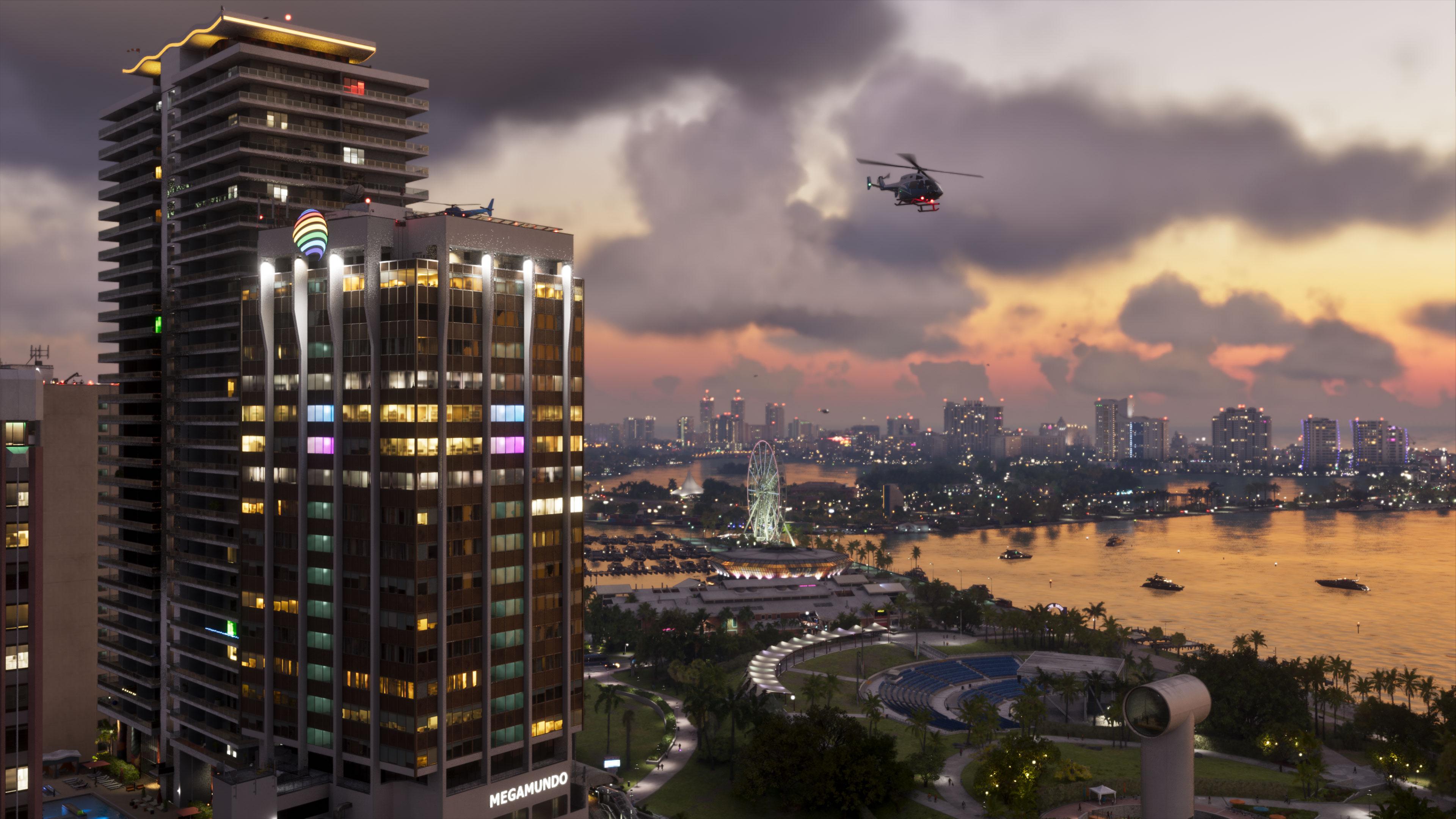
There is no performance mode: GTA 6 runs at 30fps on every console, PS5 Pro included, and Rockstar says that will not change. The main tweak is motion blur, which defaults to 3 out of 10: lower is sharper, higher is smoother, which can help on OLED TVs. Calibrate HDR under Settings > Display > HDR Calibration.
30fps on every console
GTA 6 targets 30fps on PS5, PS5 Pro, Xbox Series X and Series S, with no 40 or 60fps option, according to Digital Foundry. Rockstar told Kotaku, as reported by Polygon, that no performance mode is coming, even on PS5 Pro: the Pro's CPU is not strong enough to run the game's simulation at higher frame rates.
Which console runs it best
In Digital Foundry's testing, PS5 Pro was the most stable, holding a near-constant 30fps with a 4K-like PSSR image and exclusive ray-traced shadows. Base PS5 and Series X look softer, around 1440p, and dip into the high 20s in heavy scenes. Series S is the hardest to recommend, at 1080p with frequent drops into the mid-20s.
Motion blur: the setting that matters most
Motion blur is one of the few graphics options and defaults to 3 out of 10. Higher values look smoother; lower values look sharper (Digital Foundry). Reddit players quoted by TechRadar disagree: turning it off cleans up the image, but on OLED TVs a little blur helps hide 30fps judder. Try both in fast scenes and pick.
HDR and video output
HDR is on by default. Calibration lives under Settings > Display > HDR Calibration, covering max brightness, black level and paper white, according to All Things How. On PS5, set console resolution to Automatic and run the system HDR adjustment before the in-game one (KeenGamer).
On Xbox, the system can run the game in a 120Hz VRR container, which feels slightly smoother. On PS5, system VRR only works above 48fps, so it does nothing in a 30fps game (Digital Foundry).
What you cannot change
Depth of field and vignette cannot be adjusted. Digital Foundry reports that Rockstar has identified an issue making the vignette stronger than intended; there is no date for a fix yet.
Confirmed or rumor
| Claim | Status | Sources |
|---|---|---|
| GTA 6 runs at 30fps on every console with no performance mode, not even on PS5 Pro. | Confirmed | Digital Foundry — GTA 6: PS5 vs PS5 Pro, Xbox Series X and Series S, Polygon — GTA 6 won't be getting a future performance mode, even on PS5 Pro |
| PS5 Pro gets exclusive ray-traced shadows and PSSR and is the most stable version. | Confirmed | Digital Foundry — GTA 6: PS5 vs PS5 Pro, Xbox Series X and Series S, KeenGamer — Best GTA 6 settings: motion blur, aim and PS5 Pro |
| Motion blur defaults to 3 out of 10 and is one of the few graphics options. | Confirmed | Digital Foundry — GTA 6: PS5 vs PS5 Pro, Xbox Series X and Series S, All Things How — How to calibrate HDR in GTA 6 on PS5 |
| On OLED TVs, some motion blur may help hide 30fps judder. | Rumor | TechRadar — GTA 6 motion blur on OLED TVs |
Sources for this page
- Digital Foundry — GTA 6: PS5 vs PS5 Pro, Xbox Series X and Series S, Nov 18, 2026
- Polygon — No performance mode, even on PS5 Pro, Nov 18, 2026
- TechRadar — Motion blur on OLED TVs (relatos do Reddit), Nov 18, 2026
- All Things How — HDR calibration in GTA 6 on PS5, Nov 18, 2026
- KeenGamer — Best GTA 6 settings, Nov 18, 2026
Found a mistake? Tell us.